From selects to spreads.
Lumoura Album Studio is a minimalist desktop app for designing wedding albums. Intelligent layouts and print-ready export.
The app in one picture
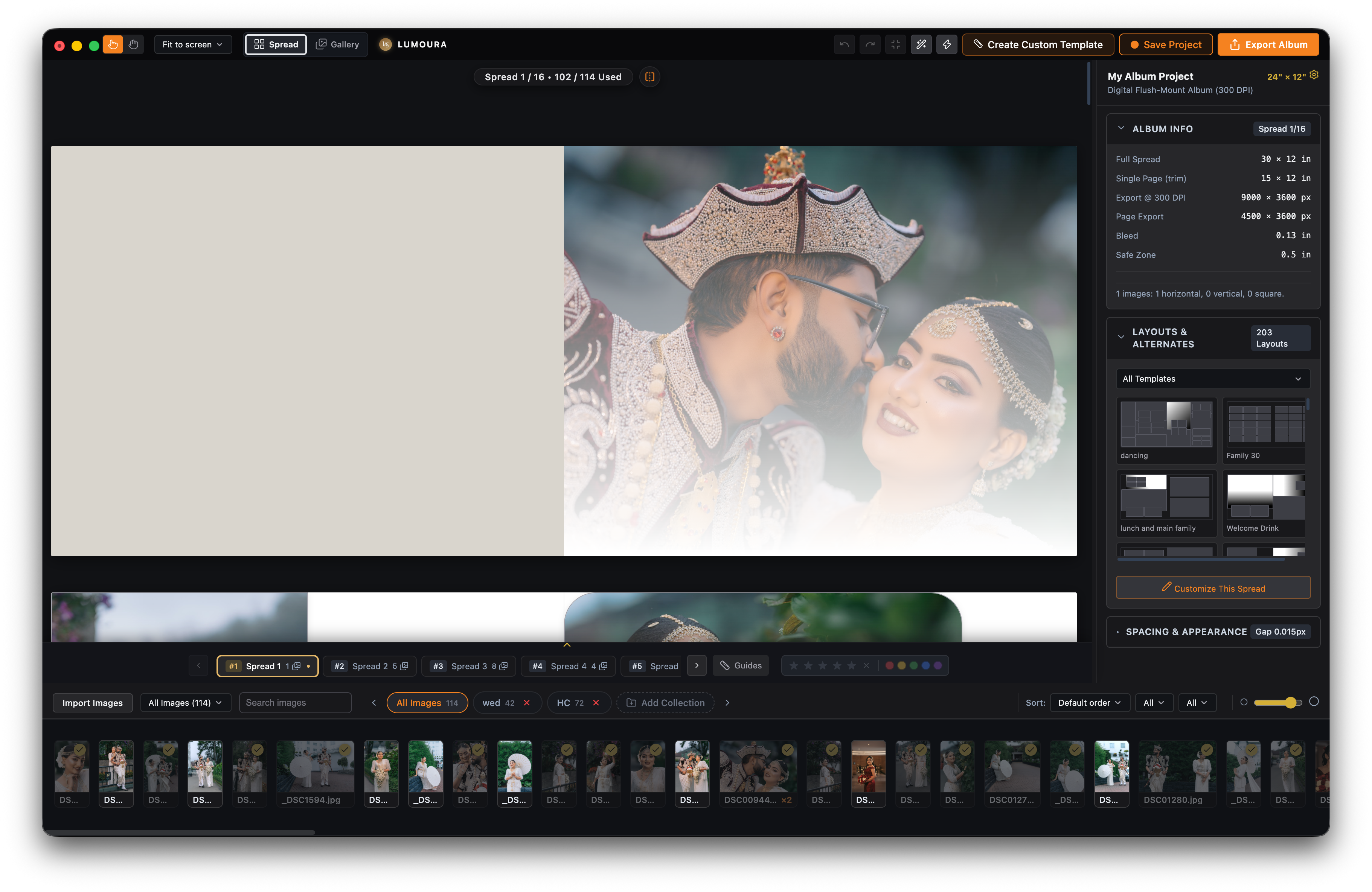
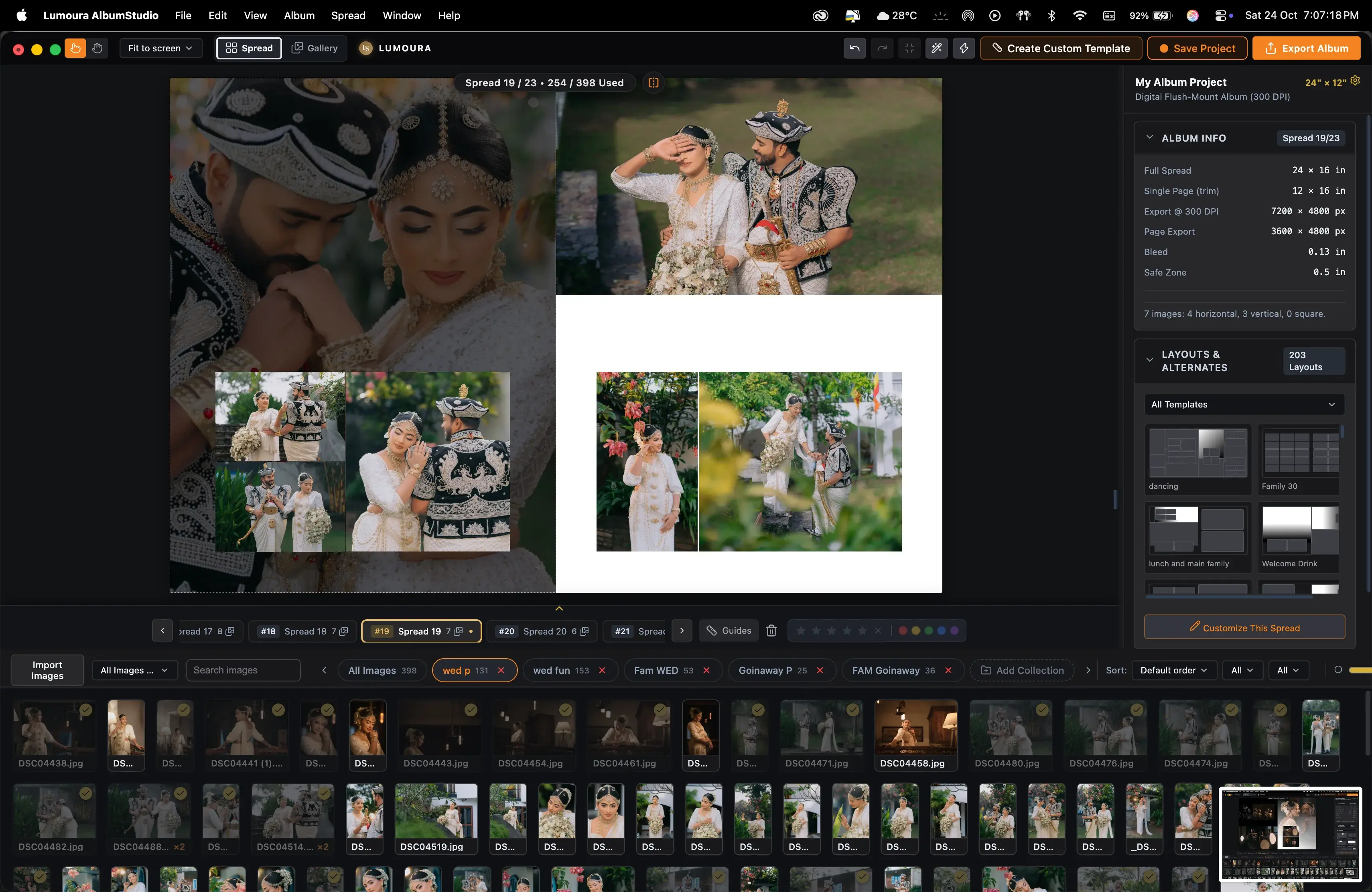
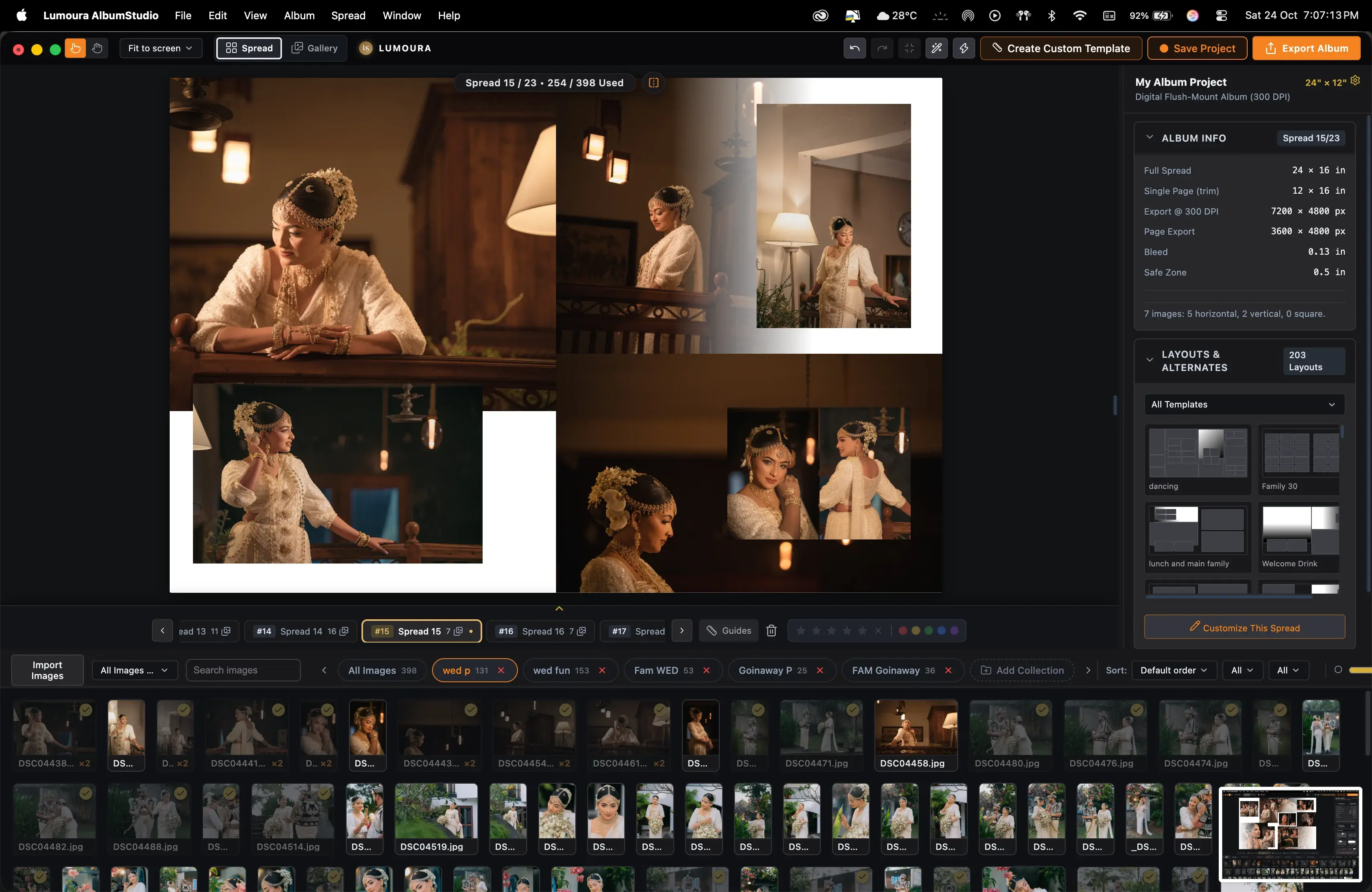
Main editor workspace with live canvas controls and spread timeline.
How it works
1. Import and sort
Select your photos and organize them into bins.
2. Choose a layout
Browse 219 layouts or use Next Alternate Layout.
3. Refine the spread
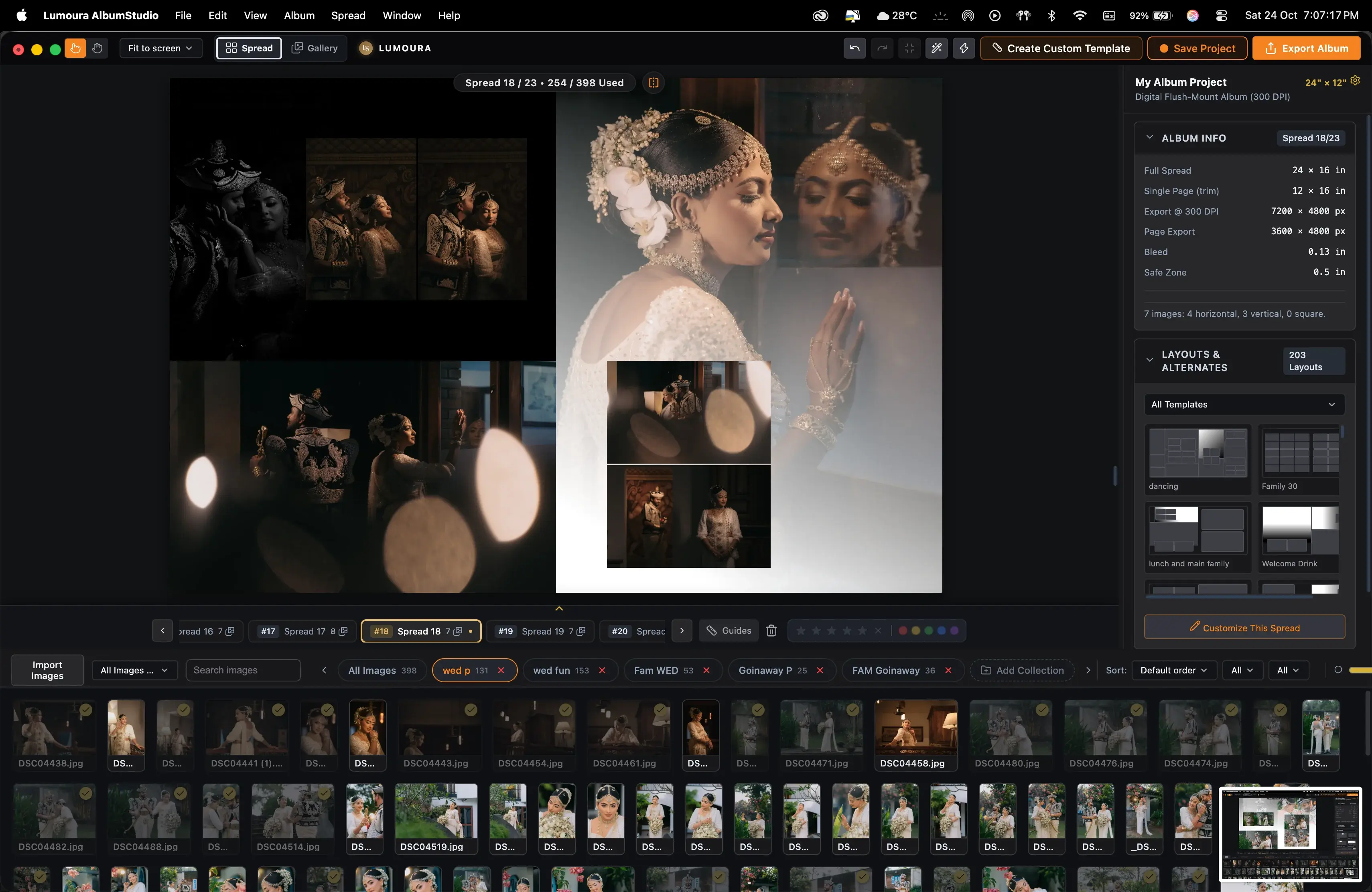
Use Template Studio to style frames and gaps.
4. Export for your lab
Export as Print Master or Single Pages.
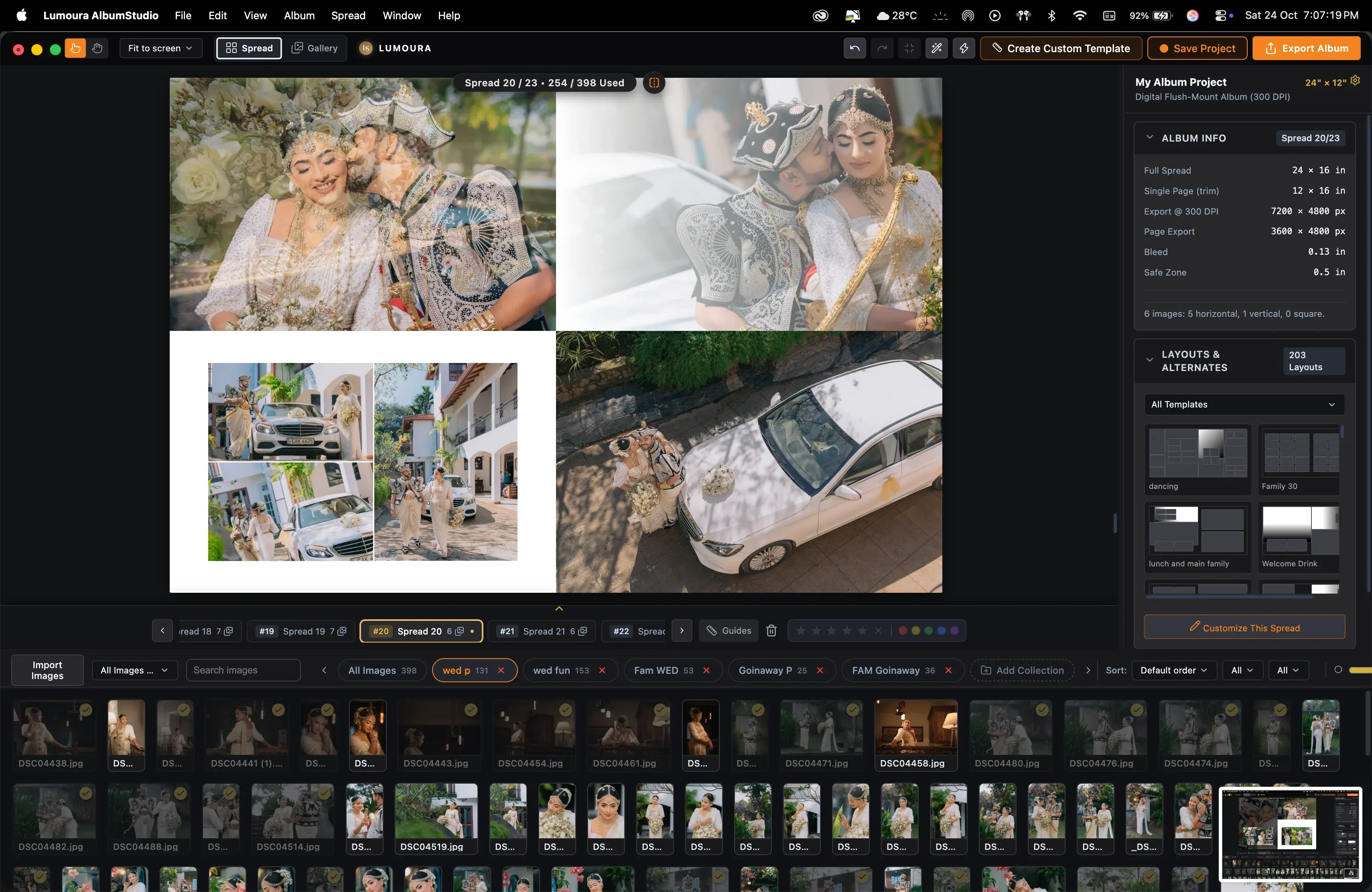
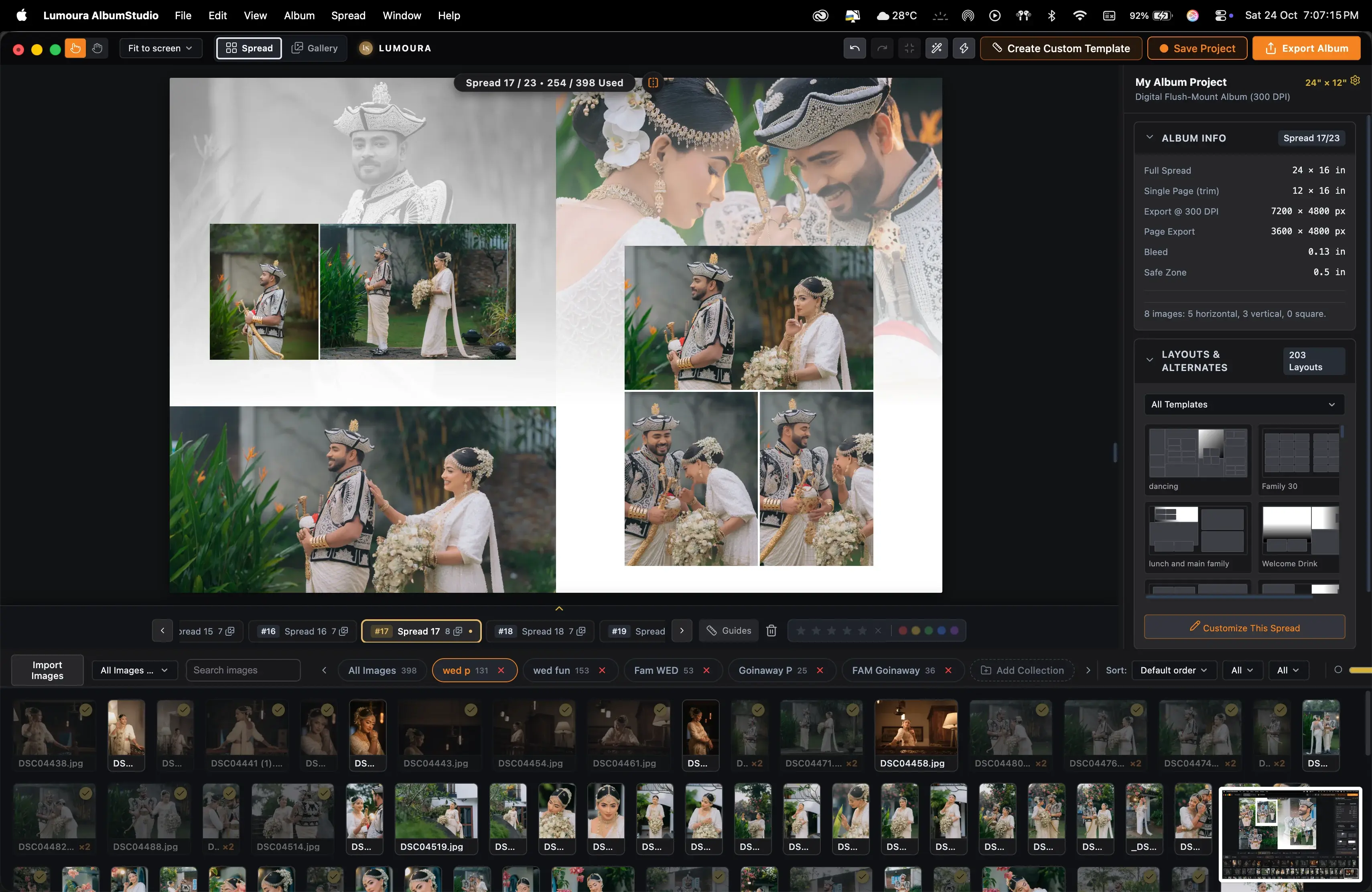
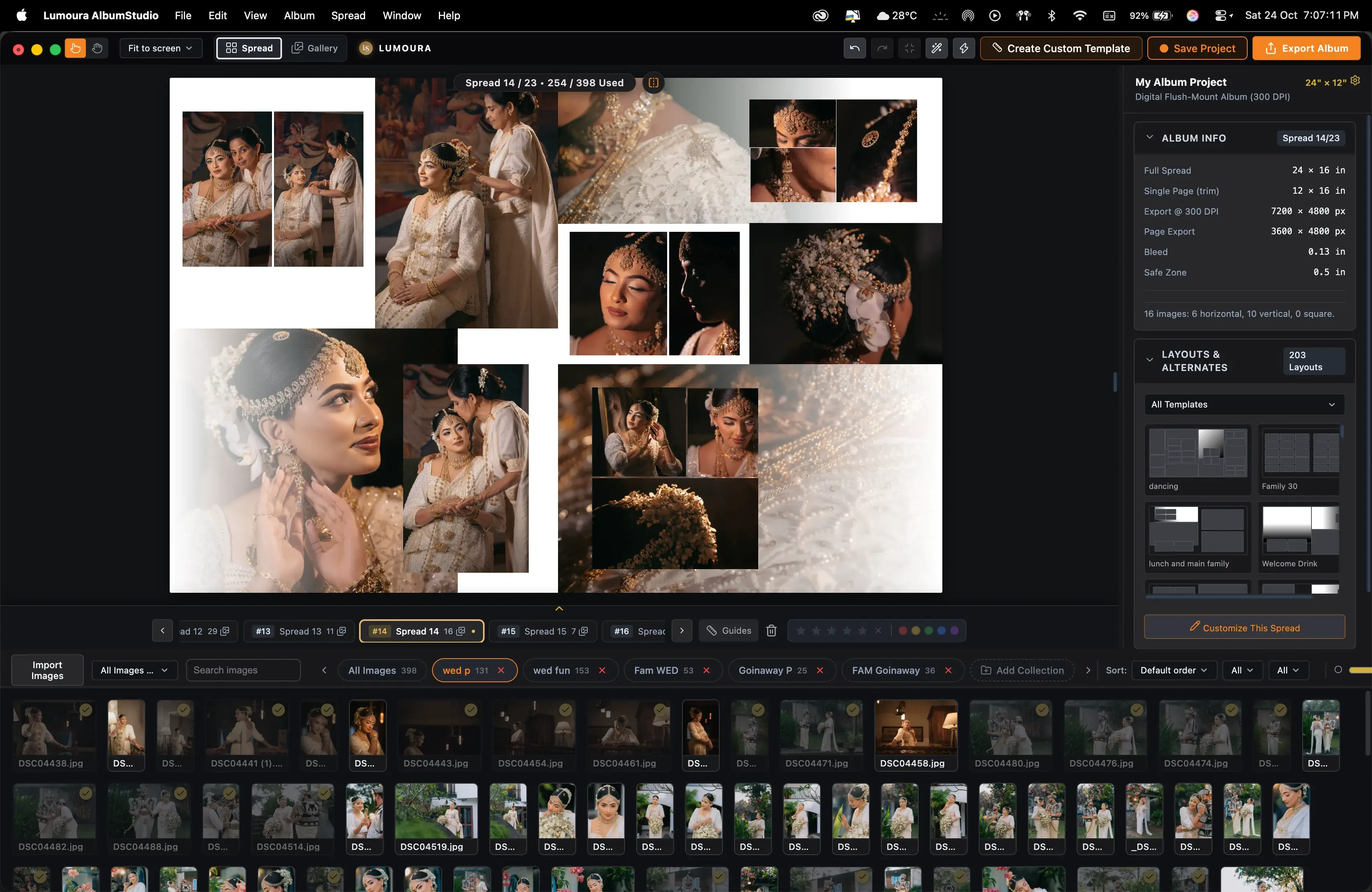
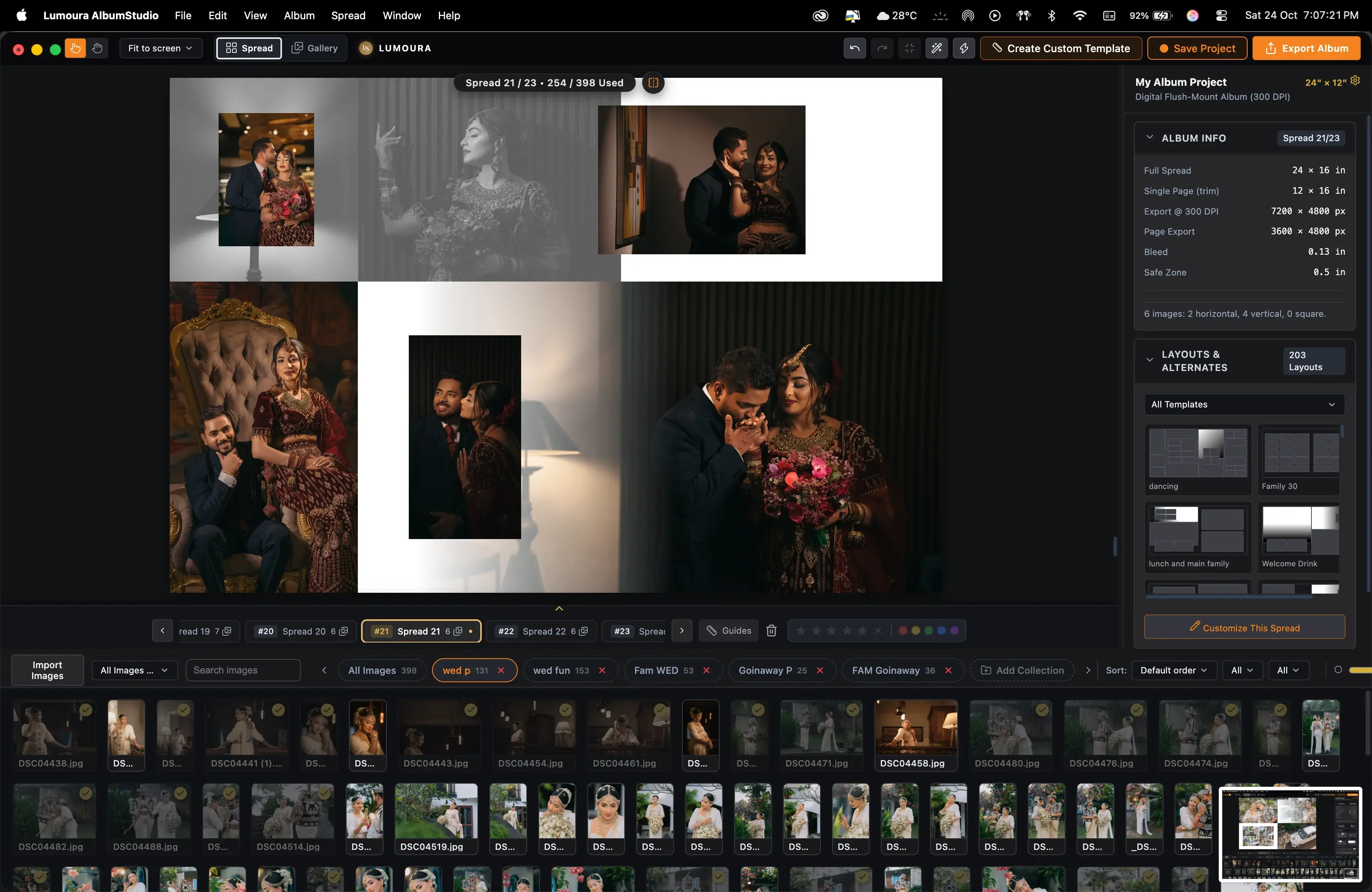
Layouts, from simple to complex, ready for your photos. Instantly balanced for every wedding story.
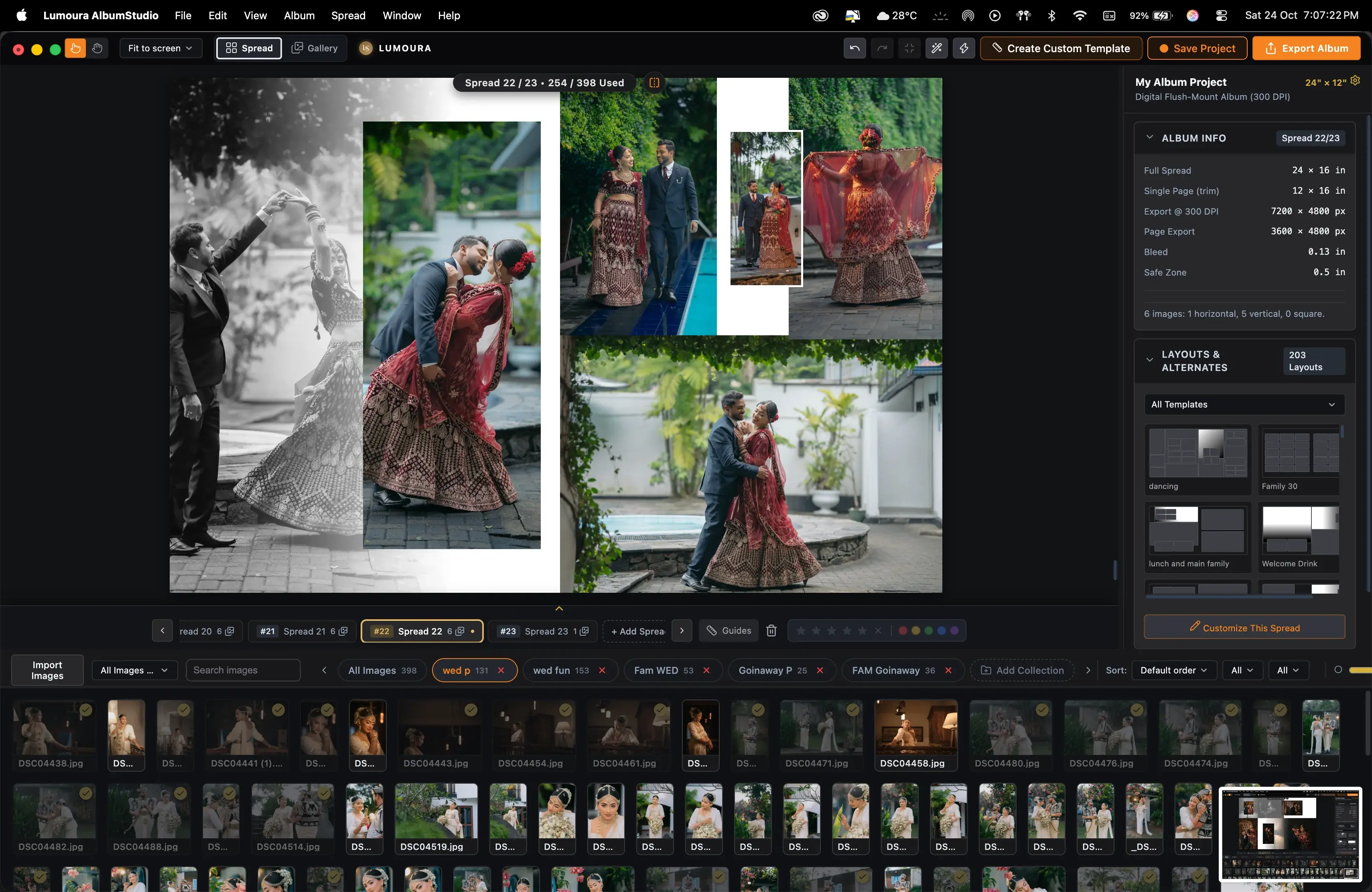
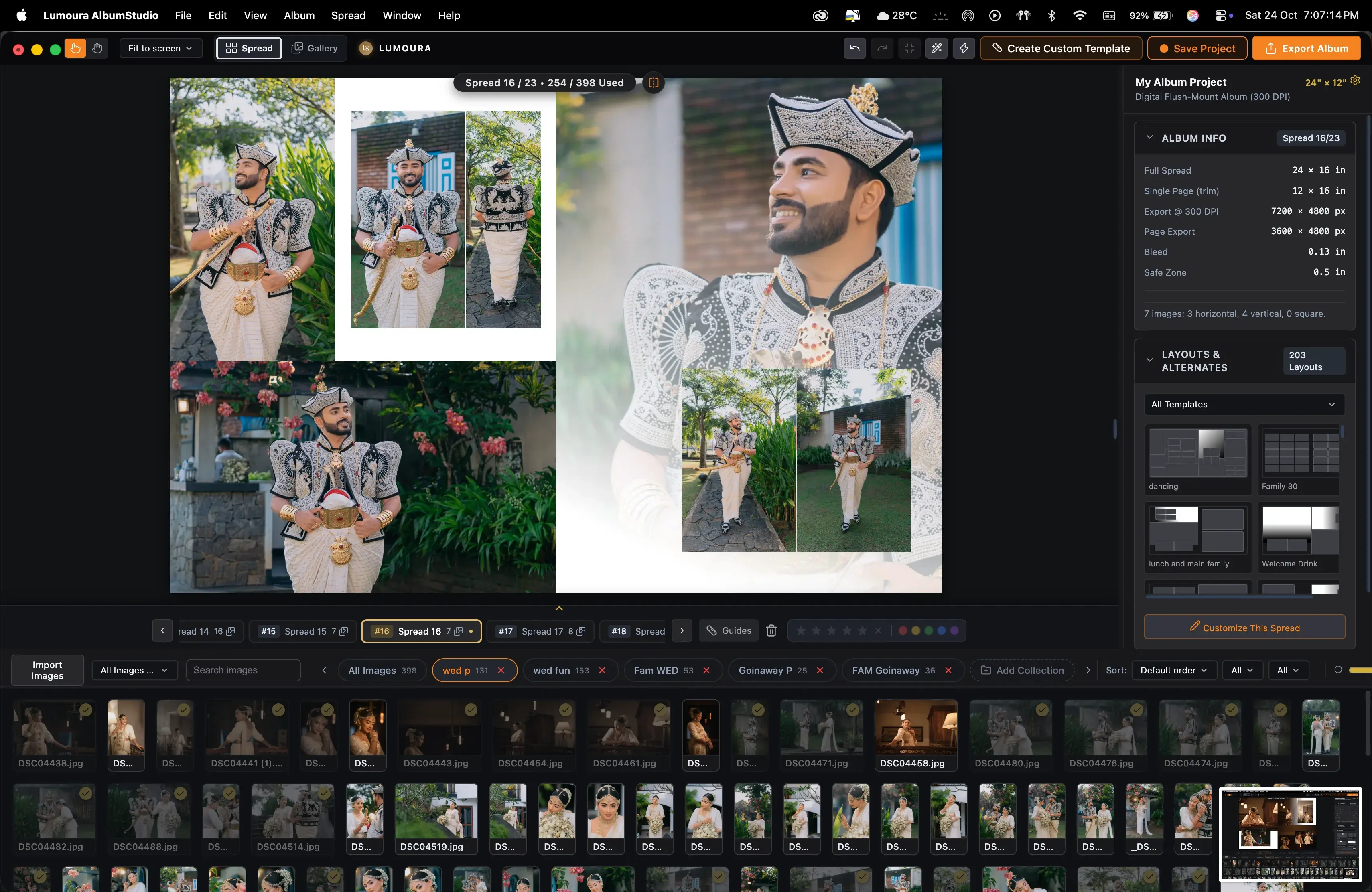
Template Studio
Build your look once. Use it on every album.
- Frames have fill, stroke, corner radius, shadow, opacity, and rotation.
- Multi-select, nudge, and duplicate frames with keyboard shortcuts.
- Save Spread as Template to reuse across any project.
Creative Gradient Spreads
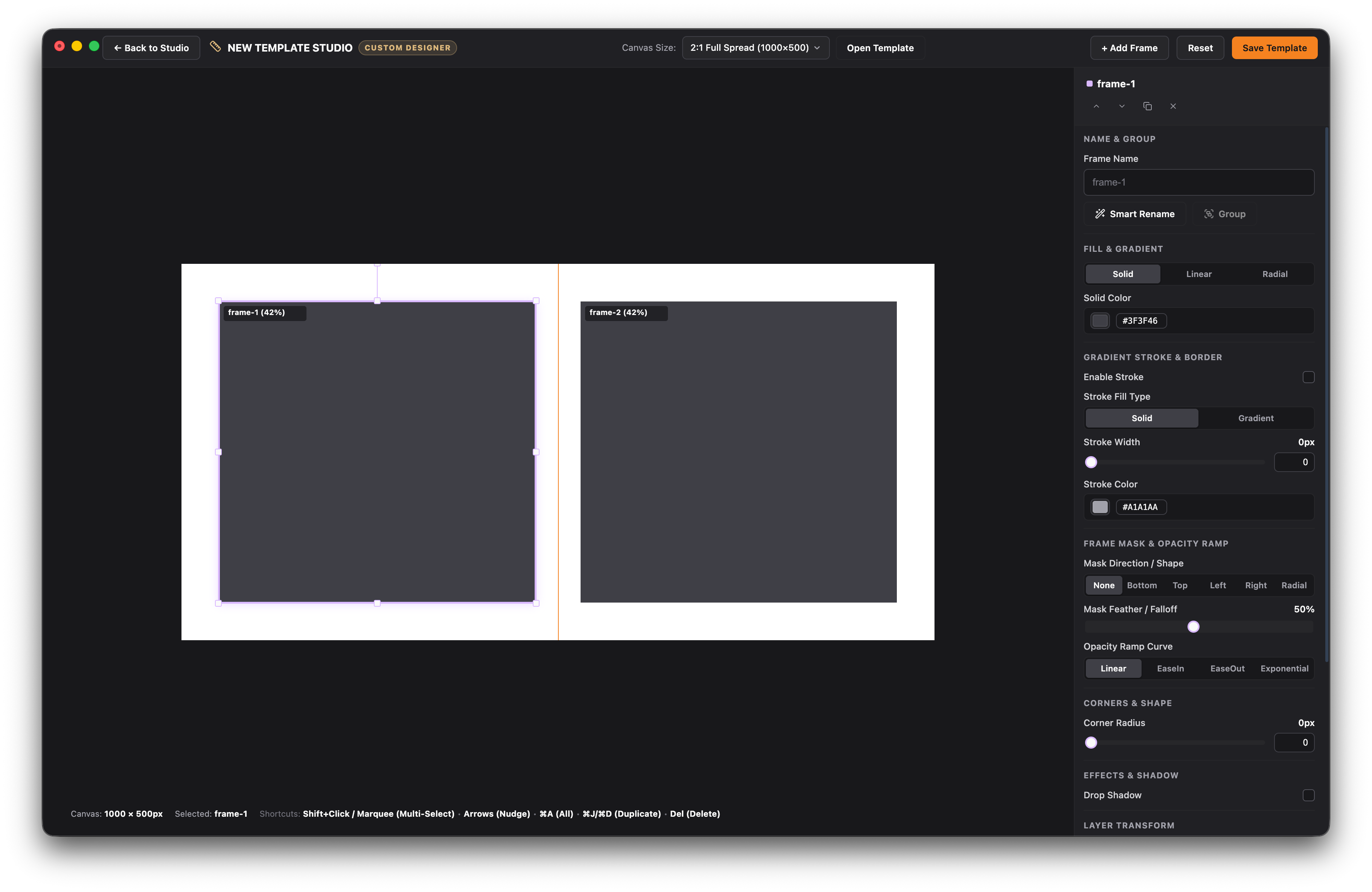
Design stunning fine-art spreads with custom gradients.
Elevate wedding albums beyond plain photo grids. Apply smooth background fades, multi-stop radial and linear color gradients, and artistic overlays directly inside your canvas workspace.
- Custom linear and radial color transitions.
- Smooth background image fades and bleed blends.
- Fine-tune opacity, color stops, and blend modes per frame.
Export for your lab
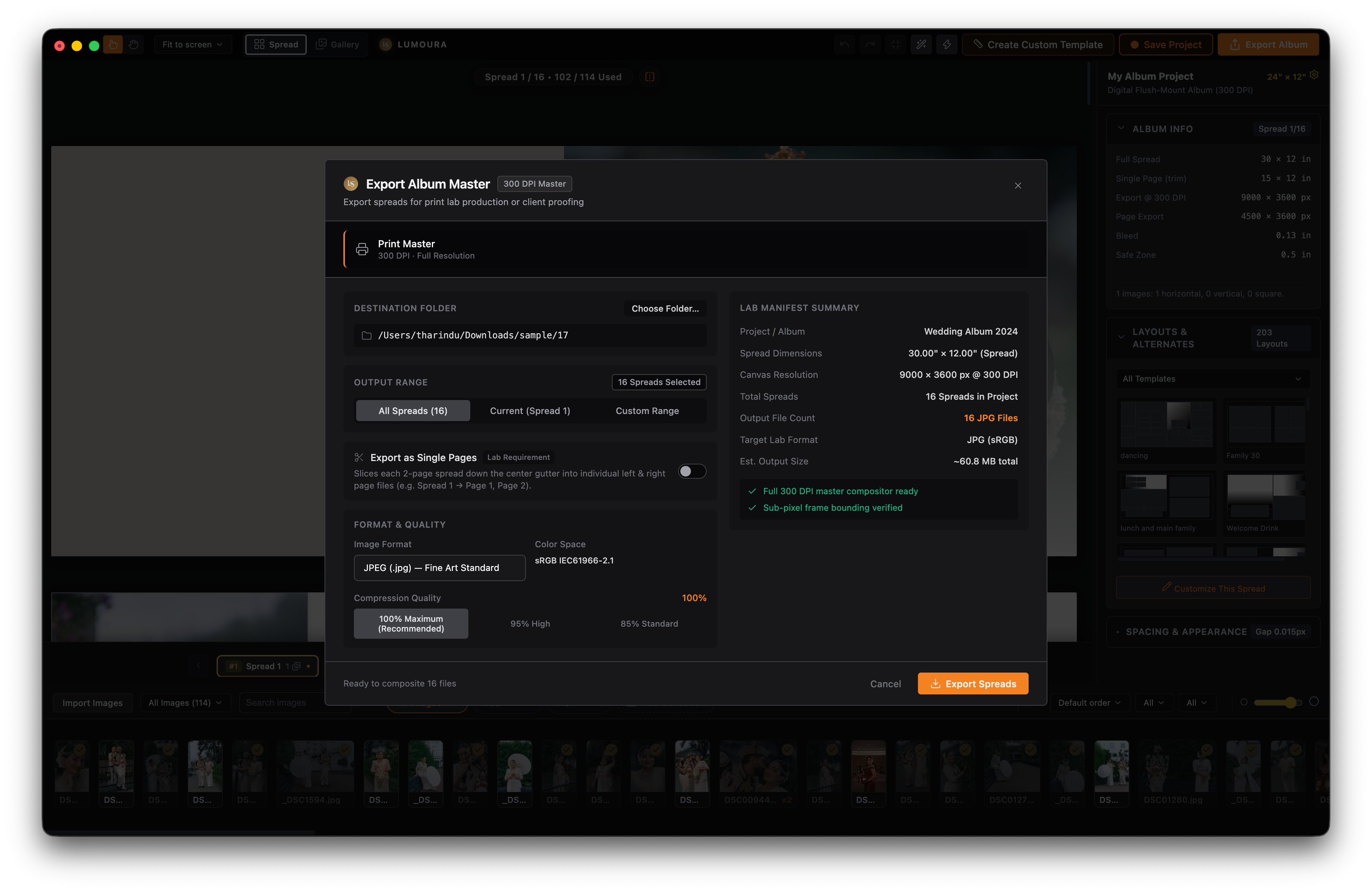
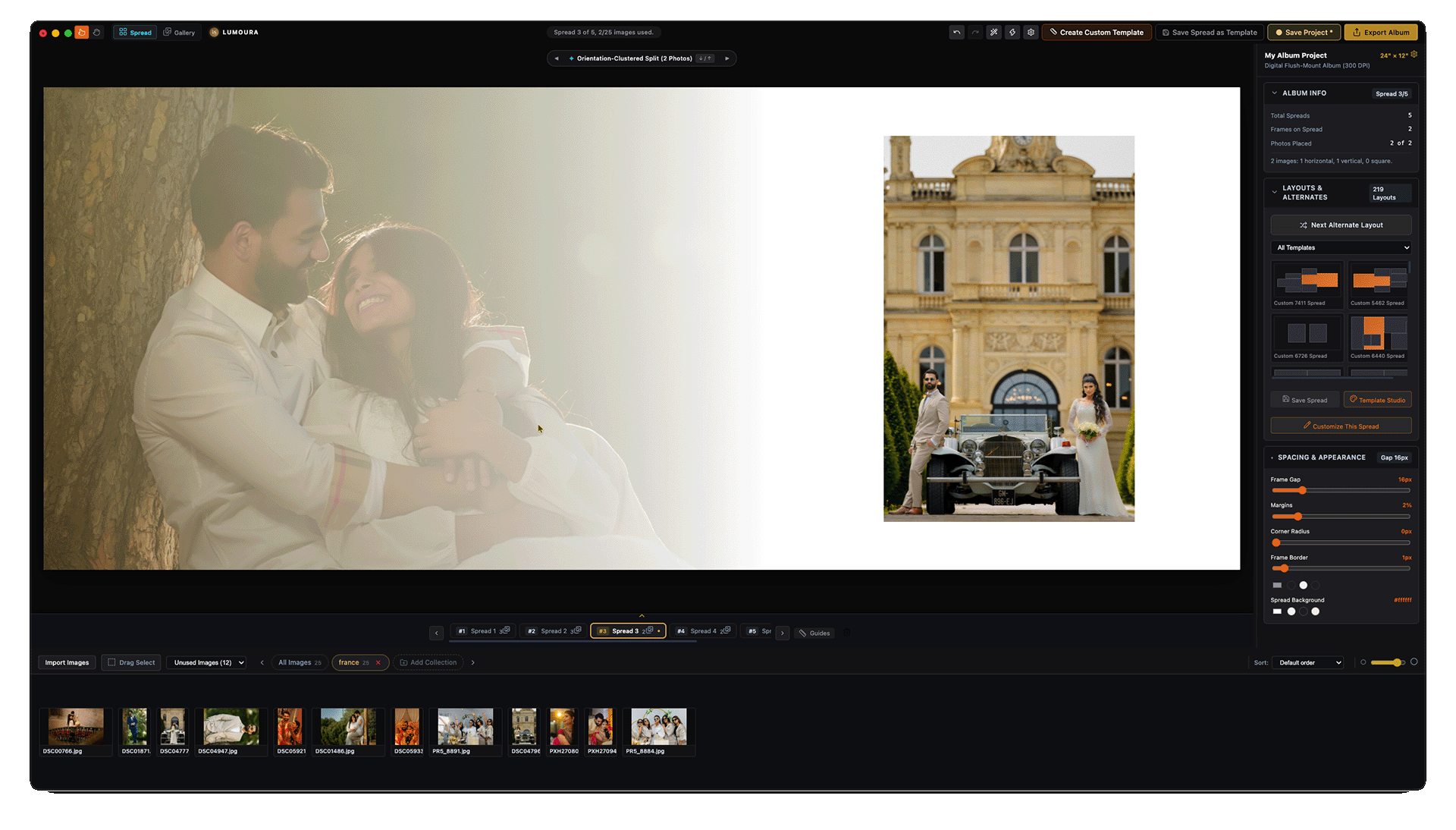
Export the way your lab asks for it.
- Print Master export at 300 DPI as JPEG in sRGB.
- Export as Single Pages for labs requiring left and right page files.
- Lab manifest summary and pre-flight checks ensure files match your lab's specs.
Two audiences
If you shoot weddings
- Design albums in-house to increase revenue.
- Fast client approval process.
- Speed without losing your personal style.
If you design albums for others
- Reusable styles for different clients.
- Quick revisions and alternates.
- Volume-based workflow for fast turnaround.
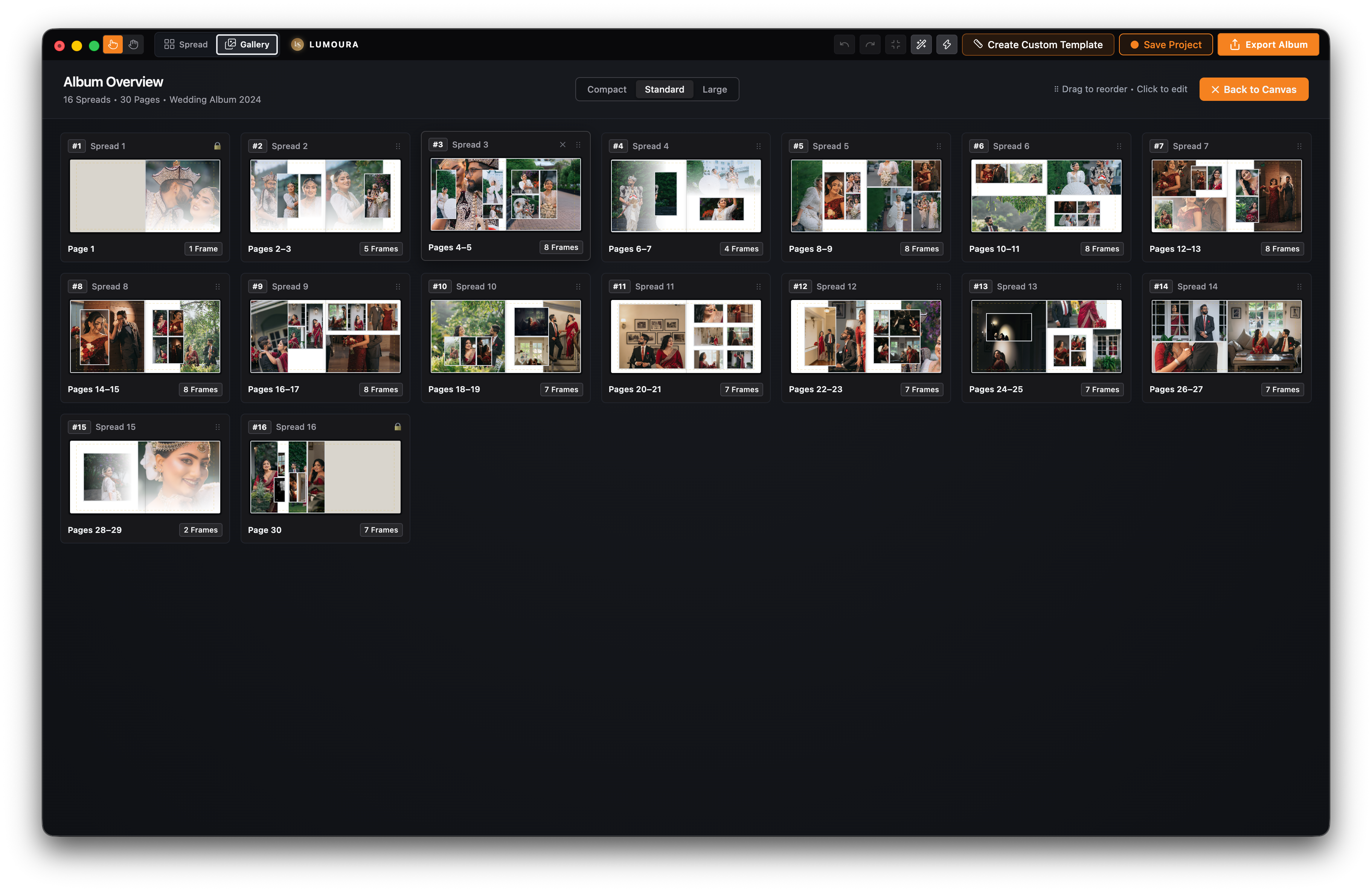
Made with Lumoura
Pricing
Studio
For individual photographers. Every feature, one price.
- Non-destructive disk-linking
- Live external editor sync
- Intelligent auto-layout
- Canvas workspace
- Spread management
- Auto-Build
- 300 DPI print-ready export
- Project persistence (.laproj)
- Template Studio
- Album lab presets
- Creative gradient spreads
7-day free trial, no card required. Cancel anytime.
Every plan includes every feature. Billed monthly in USD.
FAQ
macOS or Windows 10/11.
Yes, up to 14 days between license checks.
Locally on your computer.
Export as Print Master or Single Pages.